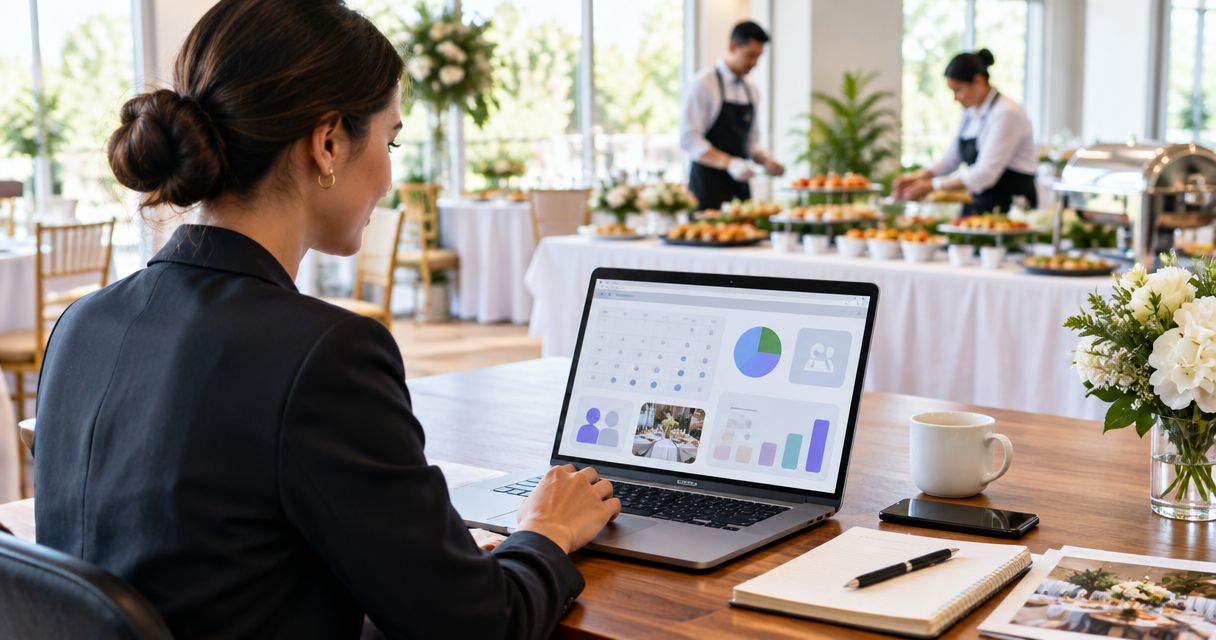
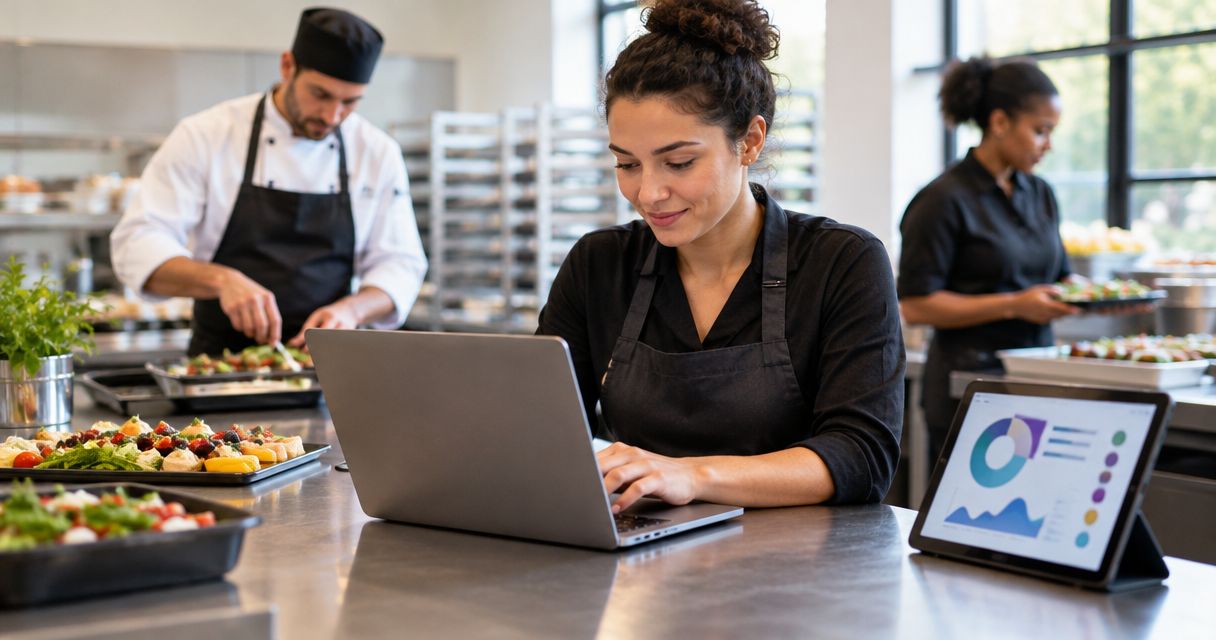
Best overall for inquiry response: VenueX. Best for catering operations: Caterease. Best for off-premise catering coordination: Total Party Planner. This 2026 catering service software guide separates selling the event from delivering it, so you can choose around the work your team actually needs to improve.
- VenueX is the best catering service software choice here for automated inquiry response, follow-up, and appointment booking.
- Choose Caterease or Total Party Planner when catering operations, rather than lead response, drive your decision.
- Choose Tripleseat for restaurant private-event sales; consider Planning Pod for venue-centered event planning.
- Require a live demonstration using your own inquiry, event changes, and staff handoff before choosing.
Why this matters
Catering service software covers two different jobs: winning business and organizing the event after the client commits. A system that helps with one does not automatically solve the other.
Start with the handoff that breaks today. Is an unanswered inquiry the problem, or does the trouble begin when a confirmed event changes? Those problems require different buying criteria. Not another feature checklist. A clear job description.
For your 2026 shortlist, keep sales automation separate from menus, production, staffing, and event documentation. You can then decide whether to replace an existing system or add a focused tool alongside it.
What makes the best catering service software?
Judge each option against these criteria before comparing demonstrations:
- Inquiry handling: Can your team turn an incoming question into a useful conversation without repeatedly copying information?
- Follow-up ownership: Does every open opportunity have a clear next action and someone responsible for it?
- Event detail management: Can you maintain menus, schedules, guest requirements, and revisions without competing versions?
- Operational handoff: Can sales communicate the agreed event clearly to the people delivering it?
- Workflow fit: Does the system match your business model: off-premise catering, restaurant events, or venue-based hospitality?
- Implementation burden: What must you configure, migrate, teach, and maintain before the software becomes useful?
Weight these criteria around the failure you need to fix. If your kitchen receives conflicting event details, lead-response speed is not the primary selection criterion. If inquiries sit unanswered, a better production document does not address the first problem.
Catering service software at a glance
These recommendations identify different use cases, not interchangeable products. Confirm current functionality and your required connections directly with each provider.
| Software | Best for | Standout focus | Key limitation to evaluate |
|---|---|---|---|
| VenueX | Automated inquiry response and appointment booking | Sales conversations across email, text, and web chat | Whether the sales handoff fits your existing operations |
| Caterease | Catering event administration | Catering-focused event management | Whether its workflow matches your actual planning process |
| Total Party Planner | Off-premise catering coordination | Catering planning and event detail management | How clearly revisions reach each operational role |
| Tripleseat | Restaurant private-event sales | Group and private-event sales management | Whether catering production needs require another system |
| Planning Pod | Venue-centered event planning | Event and venue planning tools | Whether your catering workflow fits its planning structure |
1. VenueX: best catering service software for lead response
VenueX is the best catering service software choice here for caterers that need automated inquiry response, follow-up, and appointment booking. Its AI sales agent responds through email, text, and web chat, keeping the focus on the conversation before the booking.
That makes it a focused choice when sales staff repeatedly return to unanswered messages or open inquiries with no next step. Evaluate it as a sales team member, not as a substitute for every document your operations team uses.
Pros:
- Handles inquiry response across email, text, and web chat.
- Automates follow-up rather than leaving every reminder to staff.
- Supports appointment booking as part of the sales process.
Cons:
- Sales automation does not replace the need for catering production and event execution workflows.
- Your team still needs to define the information and decisions that require a person.
Best for: Caterers whose immediate problem is responding to inquiries and moving prospects toward an appointment.
For a useful demonstration, bring an actual inquiry with incomplete information. Ask how the conversation gathers what your team needs and where staff take over. Then inspect the handoff: an appointment alone is not enough if the salesperson cannot understand the conversation that preceded it.
Verdict: Buy for inquiry response and follow-up; keep operational requirements as a separate decision.
2. Caterease: best catering service software for event administration
Caterease is catering and event-management software. Its catering-specific focus makes it a relevant shortlist option when your main task is organizing event information rather than automating the initial sales conversation.
Start the evaluation with a real booking. Follow its details from the first event record through a menu change and the documents your staff need to deliver the event.
Pros:
- Centers the evaluation on catering event management.
- Offers a more relevant starting point for catering administration than a general contact database.
- Lets you assess event planning around the information your catering team uses.
Cons:
- A catering-focused system still requires your team to define consistent records and processes.
- Event-management functionality is not evidence that your specific inquiry-response requirements are covered.
Best for: Catering businesses seeking a central workflow for event administration.
Ask the demonstrator to change a confirmed event while you watch. Your concern is not whether someone can edit a field. It is whether the revised agreement remains clear to sales, planning, and execution staff. Include an exception your team regularly handles, rather than accepting only a straightforward example.
Verdict: Buy when catering administration is the priority and the demonstrated workflow fits your events.
3. Total Party Planner: best for off-premise catering coordination
Total Party Planner is catering-management software. It belongs on the shortlist for an off-premise caterer that needs to organize event details and coordinate the work around each booking.
Off-premise work brings a practical evaluation question: can your team prepare a clear event plan without treating an email thread as the final source of instructions? Use that question to structure the demonstration.
Pros:
- Focuses on catering rather than generic project management.
- Provides a relevant setting for evaluating menus and event planning together.
- Supports a catering-centered discussion about how information reaches the delivery team.
Cons:
- Software cannot resolve conflicting instructions unless staff agree on which record controls the event.
- Your specific packing, staffing, and delivery requirements still need direct verification.
Best for: Off-premise caterers prioritizing event coordination over restaurant private-dining sales.
Bring a booking that includes a location change, a dietary requirement, and a revised schedule. Ask each person who would use the system to find the information relevant to their role. A manager understanding the record is not the same as the entire team knowing what to do.
Verdict: Buy if the demonstration makes off-premise preparation and event changes clear to your team.
4. Tripleseat: best for restaurant private-event sales
Tripleseat is an event-sales and management platform serving hospitality businesses. Its private-event focus makes it a relevant option for restaurants selling group dining and private events alongside regular service.
The selection question is whether you need a system organized around selling and managing those events. Do not treat that requirement as identical to organizing an off-premise catering production schedule.
Pros:
- Focuses on hospitality event sales and management.
- Fits a shortlist centered on restaurant private events.
- Provides an event-sales context for evaluating opportunities and booking administration.
Cons:
- A private-event sales workflow is not the same requirement as detailed catering production.
- You must verify how restaurant events and off-premise catering would share information in your setup.
Best for: Restaurants whose catering-related revenue includes private dining and group events.
Demonstrate the point where an inquiry becomes a confirmed event, then inspect what the service team receives. If you also cater away from the restaurant, repeat the exercise with that event type. Do not assume a successful private-dining demonstration answers every off-site requirement.
Verdict: Buy for restaurant private-event sales when the operational handoff meets your needs.
5. Planning Pod: best for venue-centered event planning
Planning Pod offers event and venue-management software. It is a relevant option when catering sits inside a broader venue-planning process rather than operating as a standalone catering business.
Evaluate the event as a whole: the space, the schedule, the planning responsibilities, and the catering details. The aim is to see whether the planning structure matches how your team organizes an event.
Pros:
- Brings event and venue planning into the same evaluation.
- Fits businesses that need to consider space and event coordination together.
- Offers a planning-oriented alternative to selecting solely around sales conversations.
Cons:
- Broader event planning does not automatically cover every catering production requirement.
- A venue-centered structure needs careful evaluation if most of your work happens off-site.
Best for: Venues that provide catering as part of a larger event-planning service.
Ask the planner and catering lead to review the same sample event. Each should identify responsibilities, locate current details, and explain what happens after a change. If those answers differ, resolve the process before committing to the software.
Verdict: Buy for venue-centered planning after confirming the catering workflow in a live demonstration.
How these catering software recommendations are ranked
This 2026 ranking uses task fit: inquiry response, catering administration, off-premise coordination, restaurant event sales, and venue planning. Each recommendation owns a different job rather than competing for an unsupported universal score.
The order starts with the sales stage, then moves into event management. It is not a measured performance ranking. Your preferred option changes when your priority changes.
Use the same evaluation material for every provider. Otherwise, a polished demonstration can make two very different workflows look equally suitable.
Run a demonstration that exposes the handoffs
For your 2026 evaluation, reserve 30 minutes for a demonstration built around your own work. Bring 3 sample events: a straightforward booking, a booking with revisions, and an inquiry that needs clarification. These are recommended test inputs, not product performance benchmarks.
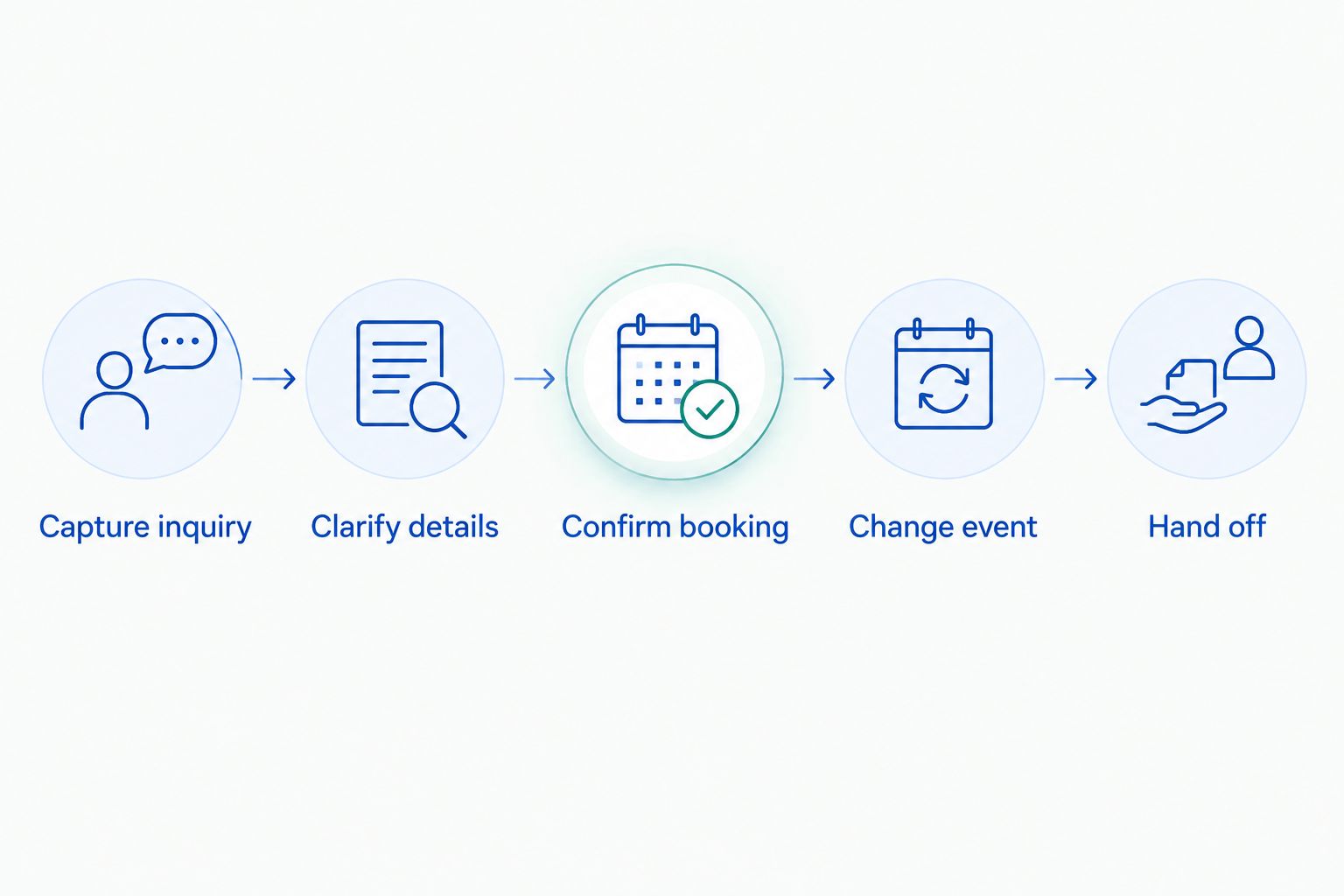
Follow the same sequence for each shortlisted system:
- Capture inquiry: Enter the information exactly as the customer supplied it, including gaps.
- Clarify details: Show how staff or automation obtain the missing information.
- Confirm booking: Identify the record that represents the agreed event.
- Change event: Revise a detail that affects another person's work.
- Hand off: Have the receiving team member explain the next action.
The strongest demonstration shows what happens between screens. Require a clear answer about ownership whenever the event changes.
Keep a written list of unresolved requirements after the demonstration. Separate essential workflow gaps from preferences about how a screen looks; those are different reasons to reject a system.
Which catering service software should you choose?
Choose the software that fixes your earliest broken handoff. If your team loses momentum before a conversation starts, prioritize inquiry response and follow-up. If confirmed events become difficult to execute, prioritize catering administration and coordination.
For a 2026 purchase, resist replacing a working operational system merely to address a sales problem. Equally, do not buy a sales tool expecting it to organize kitchen production. Define the job first, then confirm where the chosen system stops.
Ask your team to finish this sentence before signing: This system is responsible for this work, and this person owns what happens next. If the answer is unclear, the purchase decision is not ready.
FAQ
What's the best catering service software for responding to leads?
VenueX is the best fit in this shortlist for automated inquiry response, follow-up, and appointment booking. It serves caterers through email, text, and web chat.
What's the best catering software for managing event details?
Caterease and Total Party Planner belong on a catering-management shortlist. Compare them using your own event records, revisions, and operational handoffs rather than a generic feature checklist.
Is catering service software the same as a catering CRM?
No. A catering CRM centers on customer relationships and sales activity, while catering service software can also cover event planning and operations. Confirm the actual scope of each product.
Is Tripleseat a good choice for restaurant catering?
Tripleseat is a relevant choice for restaurant private-event sales and management. Verify off-premise catering requirements separately if your business also delivers events outside the restaurant.
Should a venue consider Planning Pod for catering?
Planning Pod belongs on the shortlist when catering is part of a broader venue-planning workflow. Demonstrate the catering handoff explicitly rather than assuming general event planning covers it.
Can one system handle sales and catering operations?
Some platforms cover multiple stages, but you must verify the specific tasks your business needs. Test inquiry handling, event changes, and operational handoffs before choosing a single-system approach.
What should I prepare before a catering software demonstration?
Prepare real examples of an inquiry, a confirmed event, and a changed booking. Ask the provider to show who owns each step and how the receiving team finds the current instructions.
One last thing
For the final review, ask someone who did not attend the sales demonstration to read the sample event and explain their next task. Do not coach them. This checks whether the record communicates the work, rather than whether the presenter explained it well.
Keep that test in your 2026 selection process. A feature is useful only when the person responsible knows what to do with it.